
The best SEO apps for Shopify are TinyIMG, Plug in SEO, SEOAnt, Booster SEO & Image Optimizer, and Yoast SEO for Shopify. All five fix the same problem — Shopify’s built-in SEO settings are thin, so you need outside help for page titles, image weight, broken links and structured data. What separates them is scope: some fix one thing well and cost little, others try to run your whole search strategy. This page covers the five worth your time, then how to pick between them.
Start with the job you actually have. If your product images load slowly, TinyIMG and Booster do compression and alt text and little else — that’s the whole product, and it’s enough. If your titles and descriptions are duplicated across hundreds of products, Plug in SEO and SEOAnt scan the catalog and hand you a list to work through.
Yoast is the odd one out. It assumes you want guidance as you write, not a cleanup after the fact, so it suits stores publishing blog content alongside products.
Two mistakes cost people money here. Installing three apps that all rewrite the same title tag, so they overwrite each other and you can’t tell which one broke the page. And paying yearly for a scanner when the free tier already lists every issue you have.
Check what you already run before adding anything. In Shopify admin, open Apps and look for anything with SEO in the name. One app per job. If two overlap, keep the one whose report you actually read.
Shopify SEO apps compared
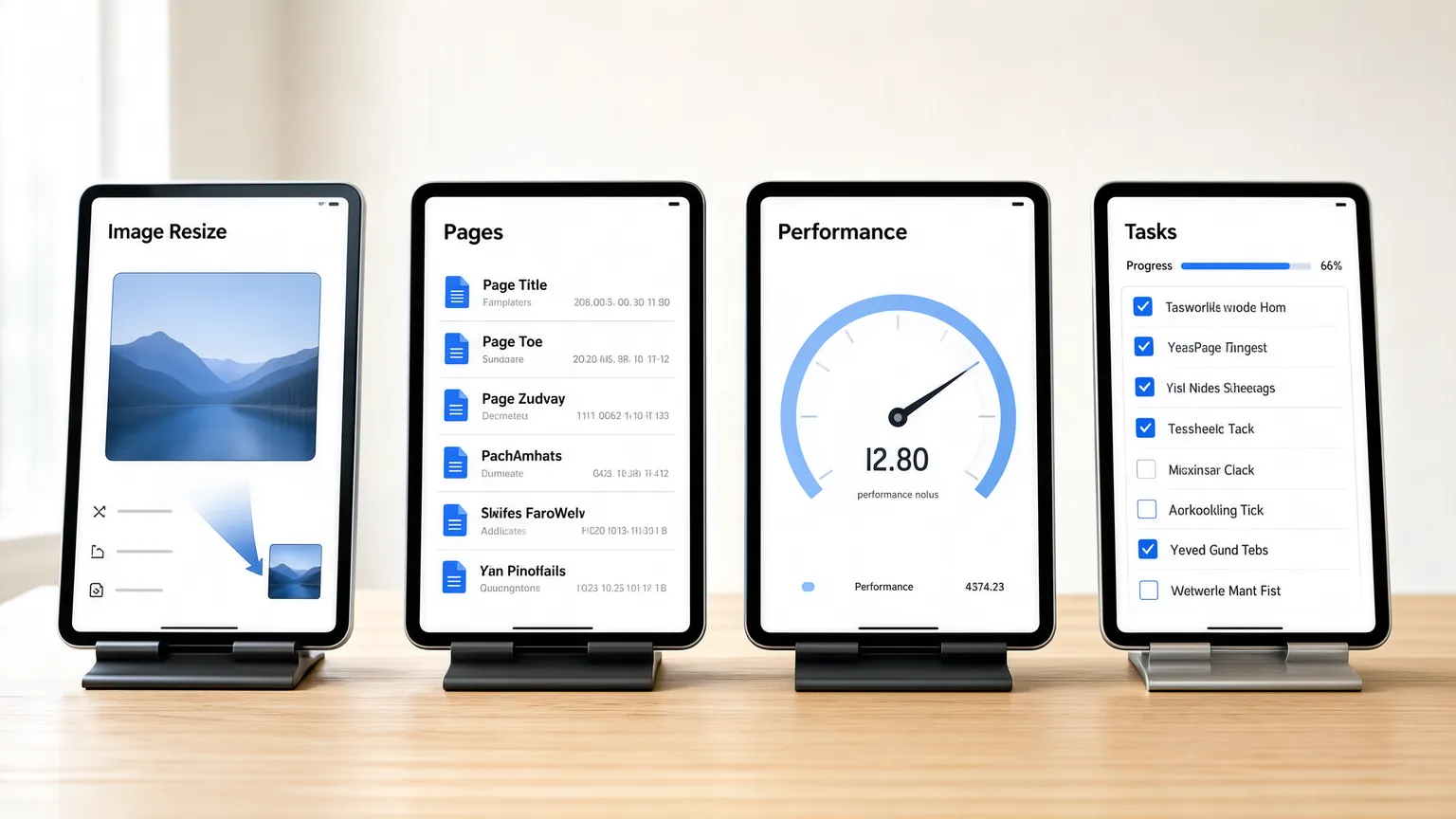
Each app below handles a different slice of the work, so the right pick depends on what’s broken in your store right now.
| App | Best for | Example job |
|---|---|---|
| TinyIMG | Compressing product images | Shrinking a 2 MB photo to under 200 KB |
| Plug in SEO | Auditing titles and meta descriptions | Flagging 40 missing meta descriptions |
| SEOAnt | Speed and Core Web Vitals | Finding scripts that block page load |
| Booster SEO & Image Optimizer | Bulk editing at scale | Rewriting 500 product titles at once |
| Yoast SEO for Shopify | Content structure guidance | Showing a green score on a blog post |
Start with the symptom, not the app. If product pages load slowly, run TinyIMG first, then SEOAnt — compression fixes the weight of images, while SEOAnt tells you whether leftover scripts are still holding the page back. If pages load fine but you rank for nothing, the problem is text, and TinyIMG won’t help you.
Plug in SEO suits a store with a few dozen products, where you can read each flagged title and rewrite it by hand. Past a few hundred products, that stops working: you can’t hand-write your way through a catalog that size, and Booster SEO & Image Optimizer is the one built for the volume.
Yoast is for stores that publish guides and blog posts alongside products, since its score is about content structure, not product listings.
One mistake worth avoiding: installing three of these at once. Overlapping apps slow the store down and can undo the speed gains you just paid for. Pick the one that matches your symptom, fix it, then reassess.
TinyIMG
TinyIMG is an image optimization app that compresses product photos and adds alt text, which is the single heaviest thing on most Shopify product pages. A 2 MB hero image on a product page drags your load time down on mobile, and mobile is where most Shopify traffic lands. TinyIMG compresses on upload and keeps a backup, so you can revert if a photo looks soft.
It suits stores with big catalogs and lots of photos — apparel, furniture, anything with detail shots. If your store has 20 products and clean images already, you’ll get little from it.
What it’s good for:
- Cutting image file size without visible quality loss, which speeds up mobile pages
- Bulk alt text editing, so screen readers and search engines both read your images
- Automatic compression on new uploads, so you don’t fix the same problem twice
- A backup of every original, in case you need to restore one
Here’s a concrete example. A store with 300 product photos at an average 1.8 MB each compresses them to roughly 150-250 KB at web display sizes. That’s the typical range TinyIMG’s own dashboard reports after a bulk run — check the before-and-after figures on your own images to see yours.
One limit worth knowing: compression settings that work for a zoomed-in jewelry shot can blur a wide lifestyle banner. You’ll want to check a few images by eye after the first bulk run.
Plug in SEO
Plug in SEO is an auditing app that scans your store for missing or duplicate page titles, thin meta descriptions and broken links, then hands you a to-do list. It doesn’t change anything by itself — it tells you what’s wrong and lets you fix it. That’s a different job from TinyIMG, which acts on images directly.
It suits store owners who want to see the whole picture before touching anything. If you’ve never audited your Shopify store, this is often the first app to install, because it shows you where the real problems are.
What it’s good for:
- Catching duplicate titles across collections and products, which splits your ranking signals
- Finding broken links before shoppers hit them
- Flagging missing meta descriptions page by page
- Tracking your fixes over time, so you can see which changes moved the needle
A real example: a store with 200 products runs the scan and finds 60 products sharing the same auto-generated title pattern. Rewriting those 60 by hand takes an afternoon; the app tells you exactly which 60.
Plug in SEO has a free tier that covers the basic scan, with paid plans for more pages. Check the current limits on its Shopify app listing, since pricing changes.
SEOAnt
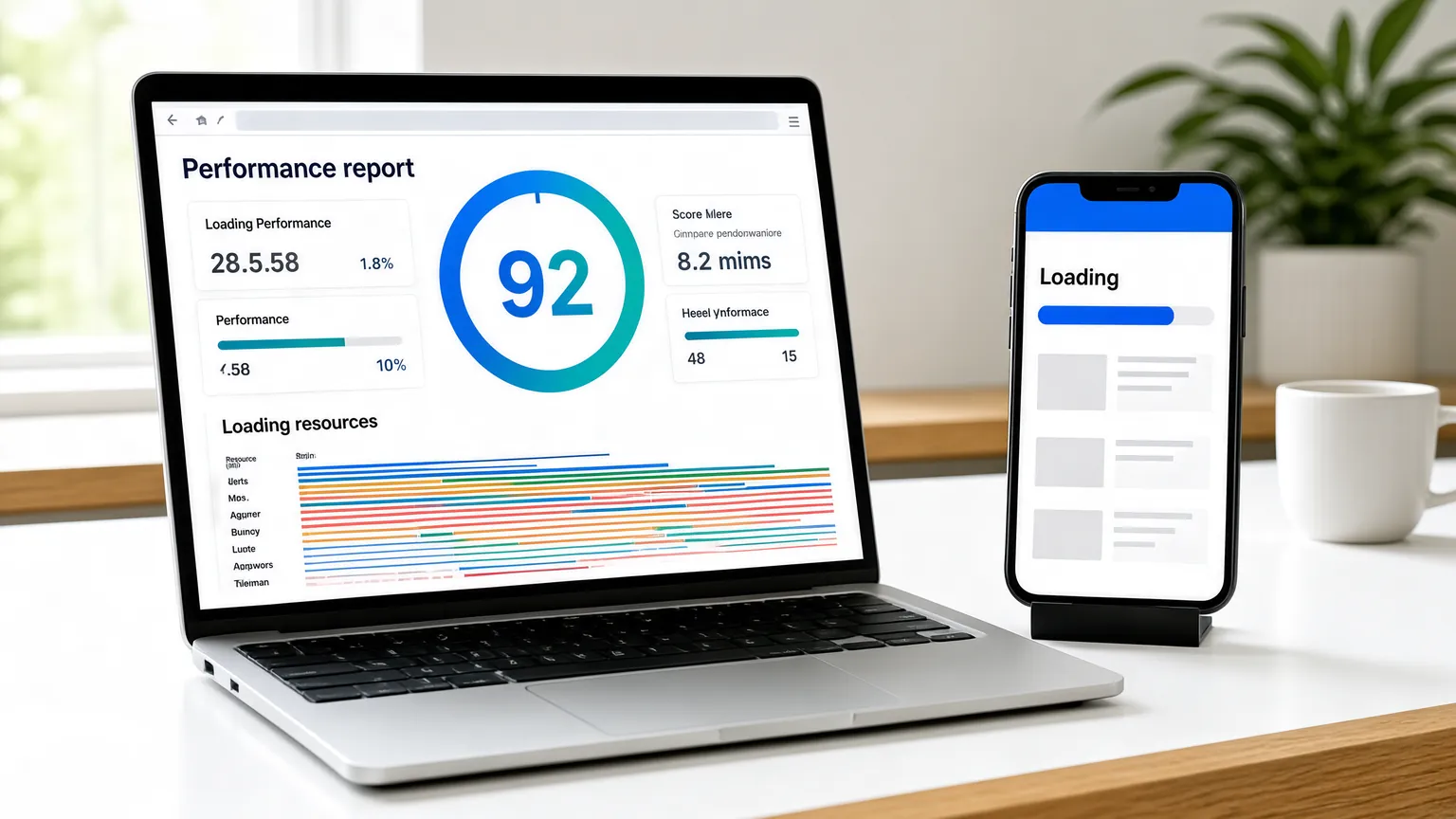
SEOAnt combines speed optimization with on-page SEO checks, which matters because page speed is a ranking factor Google measures through Core Web Vitals. It finds render-blocking scripts, oversized images and slow third-party apps, then offers to fix them. That’s the piece TinyIMG and Plug in SEO don’t cover.
It suits stores running heavy apps — reviews, chat widgets, popups — where page speed has dropped. If your store is lean and loads fast already, the speed tools won’t do much for you.
What it’s good for:
- Identifying which installed apps slow your pages down most
- Compressing and lazy-loading images automatically
- Fixing broken links and redirect chains
- Showing Core Web Vitals scores you can track over time
For example, a store running five apps might see its largest contentful paint sitting above 4 seconds on mobile. SEOAnt’s report names the specific script responsible, so you can remove or defer that one app instead of guessing.
Speed tools can only optimize what’s on your page. If a third-party app injects a slow script, the real fix is removing or replacing that app — no optimizer fully undoes it. Google publishes its own guidance on what Core Web Vitals measure and how they’re scored, so read Google’s Core Web Vitals guidance before you trust any single score.
Booster SEO & Image Optimizer
Booster SEO & Image Optimizer is a bulk-editing app for stores with hundreds or thousands of products, where fixing pages one at a time isn’t realistic. It lets you rewrite titles, meta descriptions and alt text across many products in one pass, using patterns rather than typing each one.
It suits large catalogs — dropshippers, wholesalers, stores with 500+ SKUs. If you have 30 products, you don’t need it; you’ll finish faster by hand.
What it’s good for:
- Applying a title pattern to hundreds of products at once
- Bulk-editing meta descriptions with product-specific variables
- Compressing images across the whole catalog in one run
- Scheduling changes so you don’t overwrite manual edits
A concrete example: a store with 800 products sets a title pattern of brand plus product name plus key attribute, applies it in one pass, then hand-edits the 20 best sellers. That’s the realistic split — bulk for the long tail, manual for the pages that earn most.
Bulk edits are powerful and easy to get wrong. Test the pattern on 5 products before you push it to 800, because a bad pattern multiplies across your whole catalog in seconds.
The pattern is only as good as the fields it pulls from. If your product data has empty brand fields or attributes that read “N/A”, the pattern writes those gaps straight into hundreds of titles. Export a CSV of the products you plan to touch and scan the columns first. Fix the blanks in your source data, then run the edit.
Keep a copy of your original titles and descriptions before the first pass. Most bulk editors overwrite in place, and there’s no undo once the job finishes. With a backup, a bad run costs you a re-import. Without one, it costs you weeks of rewriting by hand.
Run image compression as its own job, not bundled with text edits. If a compressed image looks wrong, you want to know which change caused it.
Other SEO apps worth a look
A few more apps handle narrower jobs. Reach for these only when the five above leave a specific gap.
- AVADA SEO & Image Optimizer — covers image compression, alt text and structured data in one app. Good if you want one dashboard instead of three, and you don’t mind a slightly heavier app.
- SEO Manager — focuses on redirects and broken links, with a simple interface. Best for stores that recently changed URLs and need to catch 404 errors fast.
- Schema Plus — adds structured data markup so Google can show rich results like star ratings and prices. Useful for stores selling products with reviews.
- SearchPie — bundles on-page checks, speed tools and schema in one place. A reasonable pick if you’d rather run one app than juggle four.
Two of these overlap with apps you may already have. Schema Plus and SearchPie both write structured data, and so does AVADA. Running two of them at once means two apps editing the same product markup, which is how you end up with duplicate or conflicting tags that Google ignores.
Pick one schema source and uninstall the others. If rich results matter most to you, keep Schema Plus. If you want schema bundled with speed and on-page checks, keep SearchPie and drop the rest.
SEO Manager earns its place only in the weeks after a URL change. Install it, fix the 404s it finds, then remove it. Left running for months, it keeps crawling and reporting links that no longer matter, and you stop reading the reports.
Check the install count and the date of the last update before you commit to any of these. An app that hasn’t been updated in a year will break the next time Shopify changes its theme code, and you’ll be the one debugging it.
How to choose the right one
Three things about your store decide which app is yours: what you already have, how much time you can give it, and what you’re trying to reach. Start with what’s actually broken, not with the longest feature list.
If your pages load slowly on mobile, pick SEOAnt or TinyIMG — speed and image weight are the cause. If your titles and descriptions are missing or duplicated, pick Plug in SEO to find them, then Booster if there are too many to fix by hand. If you’re writing blog content and want structure guidance, Yoast SEO for Shopify is the one built for that.
Time matters too. Plug in SEO and SEOAnt hand you a list and let you work through it at your own pace. Booster saves the most time on large catalogs but needs a careful setup hour first. TinyIMG is the fastest to install and forget — it runs on upload.
These apps mostly stack rather than compete. TinyIMG and Plug in SEO do different jobs, so running both is normal. Where they overlap — two image compressors, two speed tools — pick one, because two apps fighting over the same files can slow your store instead of helping it.
Related guides
- Best Email Marketing for Shopify Stores
- Best Dropshipping Apps for Shopify
- Best Fulfillment Services for Shopify
Frequently asked questions
Can SEO apps get my Shopify store to page one of Google?
No single app can promise page one. Apps fix technical problems — image weight, missing titles, broken links — that hold you back, but ranking also depends on your content, backlinks and competition. Think of apps as removing obstacles, not buying position. A store with fast pages and clean titles still needs good product copy and links from other sites to rank for competitive terms.
Why do I need an SEO app if Shopify has SEO built in?
Shopify lets you edit page titles, meta descriptions and URL handles, but it doesn’t audit your store, compress images automatically, or manage redirects at scale. That’s the gap apps fill. On a small store you can handle those by hand. Past a few hundred products, the manual work becomes the bottleneck, and that’s when an app earns its monthly cost.
How long before I see results from a Shopify SEO app?
Technical fixes like image compression can show up in page speed within days, but ranking changes usually take 4 to 12 weeks to appear in Google Search Console. That range depends on how often Google recrawls your pages and how competitive your keywords are. Check the Pages report in Search Console to see when Google last visited, rather than refreshing your rankings daily.
Is it safe to install several SEO apps at once?
Yes, as long as they don’t do the same job. Two apps both compressing images or both editing your theme code can conflict and slow your store. Run one app per job — one image optimizer, one auditor, one speed tool — and remove any app you stop using. Unused apps still load scripts on your storefront.
What happens if I uninstall an SEO app?
Your content usually stays, but app-specific settings and automatic features stop working. If an app compressed your images, the compressed files remain; if it added structured data through your theme, that code may disappear. Before uninstalling, note what the app changed and check your pages after, so you can catch anything that broke.
Does image compression actually help rankings?
It helps page speed, and page speed is one of many ranking signals — not a direct ranking boost on its own. A page loading in 2 seconds beats the same page loading in 6 seconds, especially on mobile. Treat compression as removing a penalty, not adding a bonus. Check your mobile speed in Google’s PageSpeed Insights before and after.
Do these apps work on Shopify’s free plan?
Most SEO apps install and run on any Shopify plan, including Basic. What changes is your theme access — some apps need to edit theme code, and that works on all plans. Check each app’s Shopify listing for its own plan requirements, because a few restrict features by store tier.
How much do Shopify SEO apps cost per month?
Most sit in a range that’s inexpensive relative to the alternative, with free tiers that cap pages or features. Prices change often, so check each app’s current listing on the Shopify App Store rather than trusting an old figure. Start with a free tier, confirm it fixes your actual problem, then upgrade only if you hit the page limit.
Start with one fix, not five apps
Install Plug in SEO first and run its free scan — that tells you what’s actually broken before you spend anything. Expect a list of missing titles, thin descriptions and broken links within a few minutes. A drop in that list over the next month is your sign it’s working.
Fix the titles before you touch anything else. They’re the fastest win: one line per page, written for a person, with the phrase you want to rank for near the front. Leave the ones the scan marks as fine alone.
Descriptions come second. They rarely move rankings, but they decide whether someone clicks your result or the one below it, so a page with a weak description is losing traffic you already earned.
Broken links are the quiet one. Each one sends a visitor to a dead end and tells search engines a page moved without a forwarding address. Fix or redirect every one the scan flags, then re-run it.
If the scan comes back clean and your pages still load slowly, the problem is speed, not SEO, and it’s time to bring in a developer rather than another app.
