
The best email marketing for Shopify stores is Klaviyo for most shops, because it connects to your store in a few clicks and pulls in order history, browsing activity and cart data automatically. Mailchimp works well for a small list on a tight budget, and Shopify Email is the cheapest starting point since it’s built into your admin.
What email marketing for Shopify actually means
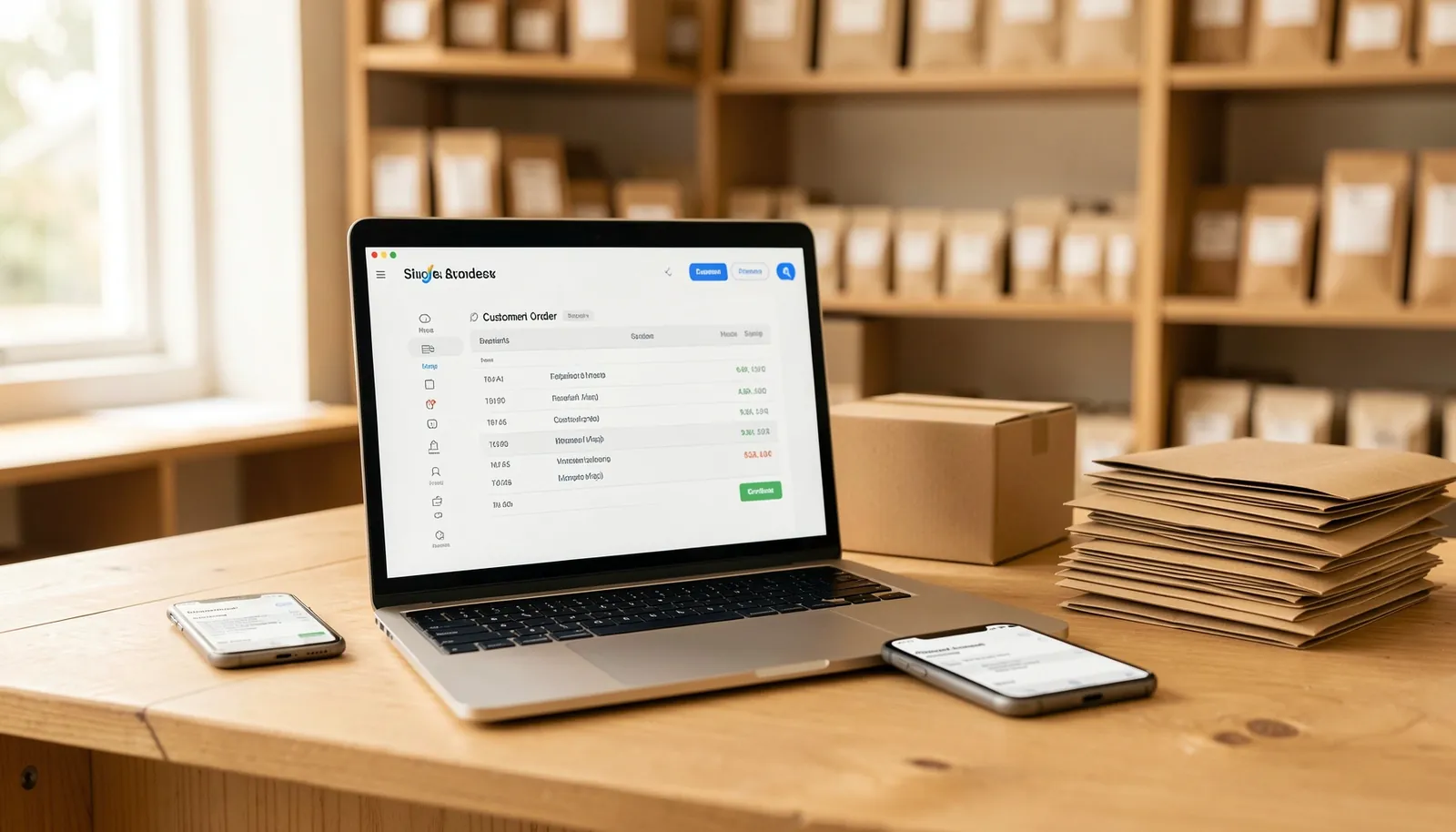
Email marketing for a Shopify store is software that reads your shop’s data and sends messages based on it. That data is the whole point. A plain newsletter tool can send a message to a list, but it can’t tell a first-time buyer from someone who’s ordered five times.
The main jobs are simple. Welcome new subscribers. Recover abandoned carts. Bring back customers who haven’t ordered in a while. Send a campaign when you launch something. Most stores run all four, and the tools differ in how well they handle each one.
Here’s the misconception worth clearing up early. People think the tool writes and sends the emails for them. It doesn’t. The software handles timing, targeting and delivery. You still write the message, pick the offer and decide who gets it. A fancy platform with weak copy will lose to a plain platform with good copy every time.
The connection between your store and the tool works through Shopify’s own app system. When you install an email app, it asks for permission to read your store data. From then on, events like a completed order or an abandoned checkout flow into the tool automatically. That’s why the setup order matters: connect first, then build your flows.
One thing to check before you commit. Pricing is usually based on your contact count, not your revenue. A store with 10,000 contacts on a low-traffic month pays the same as one with 10,000 contacts on a busy month. Confirm the current tiers on each provider’s own pricing page, because these change.
Setting up your first flows, step by step
-
Install the app from the Shopify App Store. Search the provider’s name, click Add app, and approve the data permissions. This takes about 2 minutes. You’ll land in the provider’s dashboard, not Shopify’s.
-
Turn on the Shopify data sync. In the provider’s settings, find the integration section and confirm that order history and product catalog are both syncing. Wait 15 to 30 minutes for the first import to finish before you build anything.
-
Import your existing subscribers. Upload a CSV of your current list, or let the sync pull past customers who opted in. Only import people who gave you permission — bought-from-you isn’t the same as agreed-to-receive-email in most places.
-
Set up your welcome flow first. Trigger it when someone joins your list. Send the first message right away, then a second one 2 days later if they haven’t bought. Two or three messages is normal for this flow.
-
Build the abandoned cart flow next. Trigger it 1 hour after someone leaves checkout, then again at 24 hours. Add a small incentive to the second message if your margin allows it. This flow usually earns the most per message sent.
-
Add a browse abandonment flow. Trigger it when someone views a product twice but doesn’t add it to the cart. Wait 4 to 6 hours before sending. Keep it to one message.
-
Create your first campaign. Pick a segment — recent buyers, or subscribers who haven’t opened in 60 days — and send to that group only. Sending everything to everyone is how you train people to ignore you.
-
Check your sender authentication. Set up your sending domain so messages come from your own domain, not a shared one. Your provider’s help docs walk through the DNS records. This affects whether your mail lands in the inbox at all.
The judgement call that separates good results from bad ones is timing, not design. A cart message at 1 hour beats the same message at 24 hours, because the buyer is still deciding. A welcome message that arrives 3 days late reads like spam. Set your delays to match how fast your customers actually decide, and adjust after you see the first 100 sends.
If your list came from a source you can’t document, or you bought it, talk to a lawyer before you send. Rules on consent vary by country, and the penalties are real.
Settings and numbers to compare
The table below covers the situations most stores hit in their first year. Treat the time figures as starting points, not fixed rules — your own open and click data is the better guide once you have it.
| Situation | What to use | How long | What to watch for |
|---|---|---|---|
| Brand new store, under 500 contacts | Shopify Email | Send within 24 hours of signup | Free tier limits; check current caps |
| Small list, tight budget | Mailchimp free or entry plan | Welcome at once, cart at 1 hour | Free plan contact limits |
| Growing store, 2,000+ contacts | Klaviyo | Cart at 1 hour, browse at 4-6 hours | Cost scales with contacts |
| Heavy repeat-purchase store | Klaviyo or Omnisend | Win-back at 60-90 days | Segment by purchase count |
| Store selling in the EU or UK | Any tool with consent logging | Welcome immediately | Consent records must be kept |
| High cart value, over $200 | Klaviyo with SMS add-on | Cart at 30-60 minutes | Don’t over-message; one nudge is enough |
| Mostly one-time buyers | Mailchimp or Shopify Email | Welcome flow only | Skip win-back; it won’t earn much |
What good setups do differently
The stores that get real money from email share a few habits, and none of them are about the software. They segment before they send. They keep the message short. They test one thing at a time and wait for enough data before judging it.
They also set up in a specific order. Welcome flow first, because every new subscriber hits it. Cart recovery second, because it earns the most per send. Campaigns last, because a campaign to a cold list wastes the list. Building campaigns before flows is the most common order mistake, and it costs months of easy revenue.
Preparation and the mid-flight check
Before sending anything, they check three things: the sender domain is authenticated, the message renders on a phone, and the link goes to the right product page. A broken link in a cart email is money thrown away.
Partway through, they look at one number — clicks, not opens. Open rates are unreliable now because of privacy features that block tracking pixels. Clicks tell you whether the message actually worked. If a flow gets clicks but no orders, the problem is your product page or your price, not your email.
What they leave alone
They don’t send to people who haven’t engaged in months without a re-permission message first. They don’t change a flow that’s working just because a new template looks nicer. And they don’t chase every new feature a platform launches. A stable setup that sends on time beats a clever one that breaks.
Common problems and quick fixes
Most issues trace back to setup, not the software itself. Here’s what the symptoms usually mean.
| What you notice | What it usually means | What to do first |
|---|---|---|
| Emails land in spam | Sender domain isn’t authenticated | Set up SPF and DKIM records in your DNS |
| Cart flow sends to people who already bought | Trigger isn’t excluding completed orders | Add a “hasn’t purchased” filter to the flow |
| Open rates look low | Privacy features block tracking pixels | Judge by clicks and revenue instead |
| Contacts stopped growing | Signup form isn’t on the store | Add a popup and a footer signup field |
| Flow sends twice to the same person | Two flows share a trigger | Check flow filters for overlap |
| Bill jumped suddenly | Contact count grew past a tier | Archive unengaged contacts before the next tier |
Two of these are worth more than a quick fix.
Spam placement is rarely the platform’s fault. If SPF and DKIM are set but mail still lands in spam, check whether your sending domain matches the domain in your links. A mismatch is the usual culprit.
On the bill: tiers are counted on total contacts, not engaged ones. Archiving people who haven’t opened in six months usually drops you back a tier, and it costs you nothing in revenue.
If a fix doesn’t hold within a week, the trigger is the problem, not the filter. Rebuild the flow from scratch rather than layering on more conditions.
The rules that apply to your list
Consent is the rule that matters most, and it’s stricter than most store owners expect. In the European Union and the UK, the General Data Protection Regulation requires clear, recorded permission before you send marketing email, and you must be able to show when and how someone agreed. In the US, the CAN-SPAM Act, enforced by the Federal Trade Commission, requires an honest subject line, a real physical address in the message, and a working unsubscribe link in every send.
The FTC publishes its own business guidance on CAN-SPAM, and it’s written for store owners rather than lawyers. Read it before your first campaign if you sell to US customers.
Canada’s anti-spam law is stricter still and needs express consent for most messages. If you sell across borders, the safest approach is to collect explicit opt-in everywhere and keep a timestamp for each one. Your email provider usually stores that record for you.
Where people get caught is the checkbox. A pre-ticked box, or one bundled into terms of service, isn’t consent in the EU or Canada. The box has to be empty, and the wording has to say what you’ll send.
If you sell only in the US, you can email someone who bought from you without a separate opt-in, as long as every message carries the address and the unsubscribe link. If you sell to even one EU or Canadian customer, build the list the strict way from the start. Switching later means re-permissioning everyone, and most of those people never reply.
One limit worth knowing: buying a list and mailing it’s illegal in most of these places, and it also wrecks your sender reputation. That damage follows your domain, not the list.
Keeping your setup working
Once your flows are live, the job shifts from building to checking. Look at your flow performance once a month — revenue per recipient is the number to watch, and it tells you whether a flow is still earning its place. If a flow’s revenue drops for two months running, pause it and find out why before you rewrite it.
A single bad month is usually noise: a holiday, a sale you ran elsewhere, a slow shipping week. Two months in a row is a pattern, and that’s when you act.
Clean your list on a schedule. Contacts who haven’t opened or clicked in a long stretch cost you money on every tier and drag down your delivery rates. Send them a single re-permission message; anyone who doesn’t respond can be archived. Don’t delete them outright if you might want the purchase history later.
Keep a simple record of what you changed and when. When a flow’s numbers shift, that log tells you whether your edit caused it. Without it, you’re guessing.
If you change providers, export your list and your flow structure before you cancel. Most platforms let you export contacts, but flow logic rarely moves across cleanly, so plan to rebuild it by hand.
Do that export while your account is still open and paid. The moment you cancel, some providers lock the export behind a support ticket, and a few charge a reinstatement fee to get back in.
When this approach isn’t the right fit

Email marketing earns less than you’d hope if your customers buy once and never return. A store selling a single wedding item, for example, has almost no repeat business, so win-back flows and loyalty messages won’t pay for themselves. Put that budget into search ads or a referral offer instead.
If your list is under about 200 contacts, the paid tiers aren’t worth it yet. Stay on a free plan and focus on growing signups from your store traffic. The tool won’t be your bottleneck at that size.
Skip email entirely if your audience lives somewhere else. A store selling to teens on a social platform may get more from direct messages and short video than from an inbox they never check. Test one channel properly before adding a second.
The harder case is a mixed list. If a third of your buyers come back within a year, email still pays, but only the flows tied to a second purchase: a replenishment reminder, a refill discount, a back-in-stock alert. Skip the broad newsletter until those earn their keep.
Watch the cost of a mistake here. Sending to a list that has gone cold for a year or more can land you in spam, and that damage follows your domain to every future send. If opens fall under one in five, cut the dead weight before you send again.
Related guides
Frequently asked questions
Can I use Shopify Email for free?
Yes, Shopify Email includes a free monthly send allowance for stores on most plans, and you only pay once you go past it. The exact allowance changes, so check Shopify’s own pricing page for the current number. It’s the right starting point for a new store, but it has fewer automation options than Klaviyo or Omnisend once your flows get complex.
How much does email marketing cost for a Shopify store?
It depends on your contact count, not your sales. Small lists often run free or inexpensive relative to the alternative. Lists in the low thousands usually cost a modest monthly fee. Past larger contact counts, expect to pay more. Check each provider’s pricing page, since these tiers change often.
How long does setup take?
Plan on 2 to 4 hours for a working setup: about 30 minutes to install and sync, an hour for the welcome flow, an hour for cart recovery, and the rest for testing. A full build with browse abandonment and win-back flows takes a weekend. Most of that time goes into writing the messages, not clicking buttons.
Is it safe to import my old customer list?
Only if those people agreed to receive marketing email. A past purchase alone isn’t consent in the EU, UK or Canada. Importing without permission risks fines and can get your sending domain blocked. If you can’t show how someone opted in, leave them out and grow the list through your store’s signup form instead.
What happens if I send to people who never open?
Your delivery rates drop, and more of your mail lands in spam folders. Providers watch engagement to decide whether to trust your domain. Send one re-permission message to anyone who hasn’t engaged in a long stretch, then archive the people who don’t reply. That protects the deliverability of every message you send afterward.
Why do my open rates look so low now?
Apple’s Mail Privacy Protection preloads images in Apple Mail, which fires the tracking pixel whether or not a person read your message. That inflates some opens and muddies the rest. Judge your campaigns by clicks and revenue per recipient instead. Those numbers still reflect real behavior.
How often should I email my list?
Once a week is a reasonable default for most stores, plus your automated flows on top. Stores with strong product news can send twice a week. If your unsubscribe rate climbs above roughly 0.5% per send, pull back. Watch your own numbers rather than copying another store’s schedule.
Conclusion
The right tool matters less than what you do with it. Pick one platform, connect it properly, and get your welcome and cart flows running before you touch anything else. Most stores see their first real email revenue from those two flows alone, and you can add the rest once they’re steady.
