
For a small nonprofit, email marketing software for nonprofits is usually a platform with a free or very low-cost tier — Mailchimp, Constant Contact, Brevo and Givebutter all offer one — plus a nonprofit discount of 10% to 30% on paid plans. The discount is the part most people miss, and it’s often the difference between a $0 plan and a paid one.
A two-line answer can’t tell you which tier fits your list size, how to claim the discount, or what to do when your list grows past the free limit. That’s what the rest of this page covers.
What nonprofit email software actually is
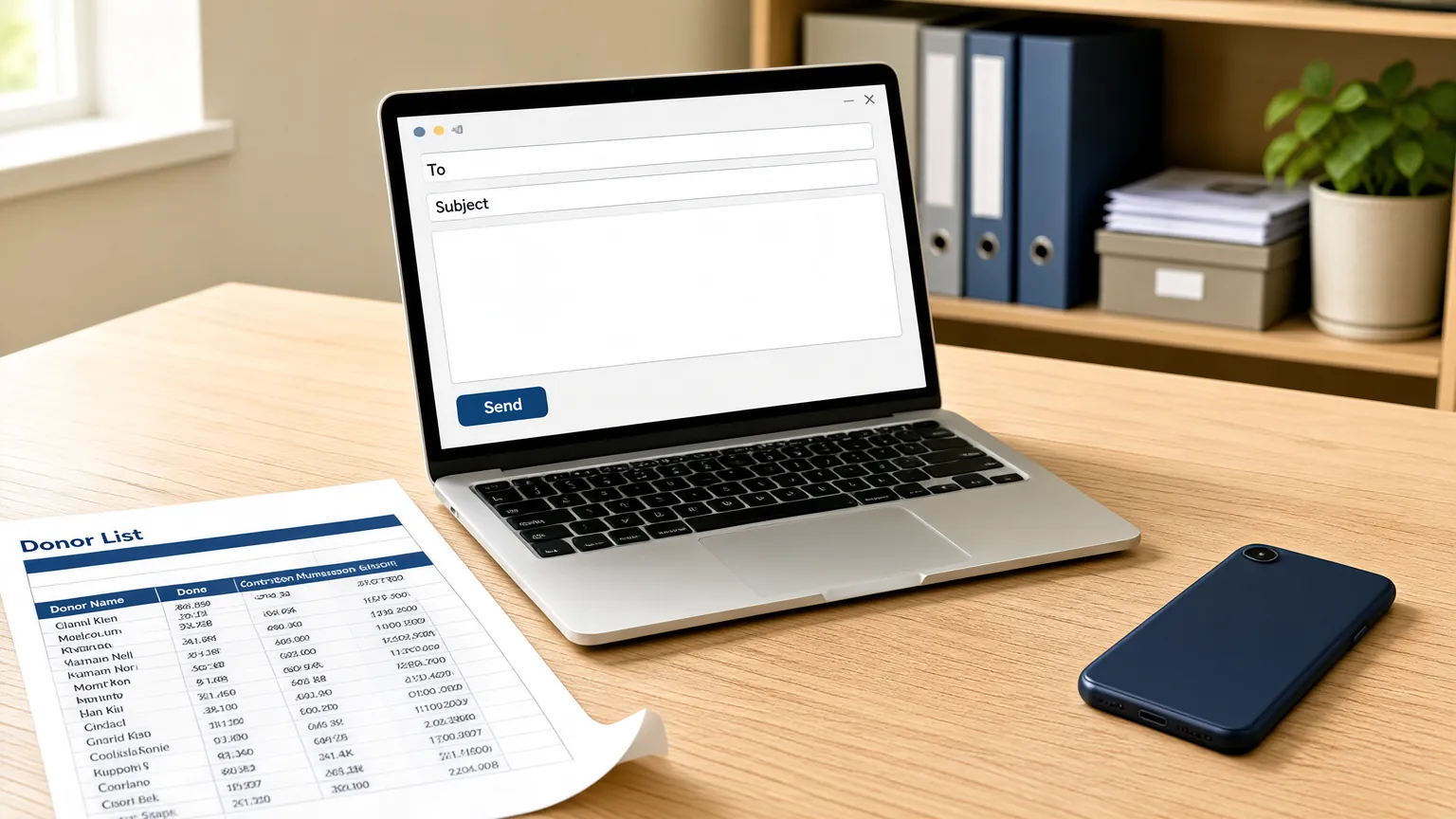
Email marketing software for nonprofits is a tool that stores your contact list, builds and sends bulk emails, and reports who opened and clicked. Most platforms also handle sign-up forms, basic automation, and donation or event links. It’s built for people who send to a group, not for one-to-one messages from a personal inbox.
The audience is small and mid-size nonprofits: a food bank, a shelter, a school PTA, a church, a local animal rescue. Often one staff member or a volunteer runs the whole thing. These tools exist so that person doesn’t have to copy addresses by hand or risk exposing the whole list in a “To:” field.
Here’s the misconception people bring: that a free plan means no limits worth worrying about. It doesn’t. Free tiers cap your contact count, your monthly sends, or both — and they usually put a small “sent via” line at the bottom of every email. That line is fine for a newsletter and awkward on a donation appeal.
One rule worth knowing early: in the US, bulk commercial email falls under the CAN-SPAM Act, enforced by the Federal Trade Commission. It requires a working unsubscribe link and a real physical address in every message. Every major platform adds both automatically, so you rarely think about it — but you’re still the one responsible if they’re missing.
Setting up your nonprofit account
- Confirm your nonprofit status first. Have your IRS determination letter or your state charity registration number ready. Most discount programs ask for one of these, and approval usually takes 1 to 5 business days.
- Pick a platform with a free tier that fits your list. Under 500 contacts, Mailchimp’s free plan, Brevo’s free plan and MailerLite’s free plan all work. Check the monthly send cap, not just the contact cap.
- Import your existing contacts as a CSV file. Match your column headers to the platform’s fields — email, first name, last name. Expect to lose a few rows to typos and duplicates.
- Set up one sign-up form on your website and one on your donation page. Keep the form to two fields: email and first name. Every extra field drops your sign-up rate.
- Write your welcome email. One message, sent automatically when someone joins. Say who you are, what you’ll send, and how often — once a month is a common starting point.
- Send your first real campaign to a test list of 3 to 5 people, including yourself. Check the mobile view, the unsubscribe link, and the footer address.
- Apply for the nonprofit discount once you outgrow the free tier. Upload your determination letter in the billing or account settings area. Approval is usually quick, and the discount applies from your next billing cycle.
The one judgement call that matters most: how often you send. A monthly newsletter plus a separate appeal during a campaign works for most small nonprofits. Send weekly with nothing new to say and people tune out — or unsubscribe. The unsubscribe rate is the number to watch, and most platforms show it on every campaign report.
If your list is large enough that you’re paying real money, or you’re handling donor payment data directly, that’s past a volunteer job. Talk to whoever manages your finances before you sign an annual contract.
Key settings and limits to know
The figures below are the ones people come back for. Free-tier limits change, so confirm the current numbers on each platform’s pricing page before you commit.
| Situation | What to use | How long | What to watch for |
|---|---|---|---|
| Under 500 contacts, monthly newsletter | Free tier (Mailchimp, MailerLite, Brevo) | Ongoing, no cost | Monthly send caps; “sent via” footer line |
| 500–2,500 contacts, weekly sends | Paid entry plan plus nonprofit discount | Monthly billing | Discount must be re-approved if you change plans |
| One-time appeal to your whole list | A single campaign, sent once | Same day | Don’t send to people who joined in the last week |
| New sign-ups from an event | A separate list or tag | Same week | Get permission at the event, not after |
| Lapsed donors, 12+ months quiet | A re-engagement campaign | One send, then a second after 2 weeks | Remove non-openers after the second send |
| Donation receipts | Your payment processor, not your email tool | Per donation | Receipts aren’t marketing — send them separately |
| Board and staff updates | A separate internal list | As needed | Never mix internal and donor lists |
Two limits catch people more often than any other. The first is the free-tier contact count: most platforms count unsubscribed and bounced addresses toward it until you delete them, so a list that looks like 480 contacts can be over the line. Purge those before you upgrade.
The second is the nonprofit discount. It usually applies to a specific plan, and switching plans mid-year can drop you back to full price without warning. Ask which plans qualify before you choose one.
If you’re under the free-tier cap and send monthly, stay free and put the money into a second appeal instead. If you send weekly, or your list is growing by more than a few dozen addresses a month, move to a paid plan before you hit the cap — being locked out mid-campaign costs you the send.
On deliverability: send from a domain you own rather than a free address, and keep your first send to a new list small. A sudden jump from 200 to 2,000 recipients on an unproven domain is the fastest way to land in spam.
What separates a good send from a bad one
The people who get results do three things differently. They clean the list before they send, they write the subject line last, and they check one thing partway through the campaign — the click rate on the first link, usually within the first few hours.
Cleaning means removing hard bounces after every send and removing anyone who hasn’t opened in a year. A smaller, engaged list delivers better than a big stale one. Most platforms charge by contact count, so a clean list also costs less.
Order of work
Write the email body first, then the subject line, then the preview text. The subject line works better when it’s pulled from a real sentence in the email rather than invented on its own. Preview text is the grey line next to the subject in most inboxes — 40 to 90 characters is the useful range, and many platforms pull it from your first line if you leave it blank.
What to leave alone
Don’t redesign your template every month. Pick one that renders well on a phone, set it once, and reuse it. Don’t add a second call-to-action button — one ask per email gets more clicks than two. And don’t buy an email list, ever. Purchased lists get your domain flagged as spam, and recovering from that takes months.
Common problems and quick fixes

| What you notice | What it usually means | What to do first |
|—|—|—|—|
| Emails land in spam | Your sending domain isn’t authenticated | Set up SPF and DKIM records with your domain host |
| Open rate drops suddenly | Subject lines got vague, or the list is stale | Test two subject lines on 10% of the list |
| People unsubscribe right after joining | They forgot they signed up | Add a one-line reminder on your sign-up form |
| Free plan says you’re over the limit | Contact count grew past the tier cap | Remove hard bounces and 12-month non-openers |
| Images missing for some readers | Many inboxes block images by default | Add alt text and don’t put key info in images |
| Discount application rejected | Document didn’t prove nonprofit status | Send the IRS determination letter, not a state letter |
Authentication fixes take effect within a day or two, not instantly. If mail still lands in spam after 48 hours, the problem is usually your content, not your records.
A sudden open-rate drop is often a reporting change, not a real one. Apple’s Mail Privacy Protection preloads images, so opens can look inflated for a while and then settle. Compare clicks instead.
Before you delete anyone to get under a cap, check what your plan counts. Most count subscribed and unsubscribed contacts alike. Suppressing non-openers keeps them recoverable; deleting does not.
If images are blocked, some readers see nothing at all. Keep the offer, price, and deadline in text, and use alt text that repeats the point rather than describing the picture.
For the nonprofit discount, the IRS determination letter is the document that works. A state exemption letter or an EIN confirmation will be rejected, and each rejection adds days before you get the rate.
The rules that apply to nonprofit sending
In the US, the CAN-SPAM Act sets the baseline for commercial email. It requires an accurate “from” line, a clear subject, a working opt-out, and a valid physical postal address in every message. The FTC publishes the full compliance guide, and it applies to nonprofits too when the email promotes goods, services or donations.
The opt-out has a deadline attached. You have ten business days to honor an unsubscribe request, and it has to stay live for at least thirty days after you send. A member who unsubscribes from your newsletter but keeps getting the annual appeal has a complaint, not a preference.
Consent rules are stricter in some places. Under Canada’s anti-spam law, you generally need express consent before sending, and the burden of proof sits with the sender. In the EU, the GDPR treats an email address as personal data, so you need a lawful basis to hold it and a way to delete it on request. If you send to people in those regions, check the rules for each one — they don’t match US rules.
Tax rules are separate from email rules. In the US, a 501(c)(3) organization must give donors a written acknowledgment for any single contribution of $250 or more, and the IRS publishes what that acknowledgment must contain. That’s a receipt, not a newsletter.
If your emails touch donor payment data, or you’re unsure whether your appeal counts as lobbying, that’s a question for a lawyer or an accountant — not something to settle by reading a pricing page.
Keeping your list healthy over time
Once your first campaign is out, the work shifts to maintenance. Export a backup of your contact list every month and store it somewhere you control. If you ever leave a platform, that export is the only thing you can take with you, and some platforms make it harder than others.
Watch two numbers on every send: hard bounces and unsubscribes. A hard bounce means the address is dead — remove it right away. A rising unsubscribe rate means you’re sending too often or the content drifted from what people signed up for.
Re-engagement works better as a single clear ask than as a slow fade. Send one message asking if they still want to hear from you, wait two weeks, then remove anyone who didn’t open either one. That’s a smaller list, but every address on it’s real.
If you’re on a free tier, check your contact count on the first of each month. Crossing the cap mid-campaign is the most common way a send gets blocked at the worst moment.
Two smaller habits are worth building. First, keep a suppression list of anyone who asked you to stop, and check new uploads against it before you import. Someone who unsubscribes from one list and gets added to another will report you as spam, and enough reports damage your sending reputation for everyone on the list.
Second, clean your list before a big send, not after. Run the whole list through a verification tool the week before a launch, then remove anything it flags as risky. Doing this after a bounce spike means you already paid the deliverability cost.
If you sell or share your list with a partner, get their removal process in writing first. Their unsubscribes need to reach your list too, or you’ll keep mailing people who already opted out.
When email isn’t the right tool

Email is the wrong choice when you need an answer today. For a volunteer shift that starts in three hours, a group text or a phone call reaches people faster, and most email platforms don’t deliver that quickly.
It’s also wrong for anything urgent or safety-related. If a shelter is closing early because of weather, email won’t reach people in time — use SMS, which most platforms charge extra for and treat as a separate channel.
And it’s the wrong tool for donor receipts and tax acknowledgments. Those need to be sent per donation, on a schedule tied to the gift, not batched into a monthly newsletter. Your payment processor handles that better than your email tool does.
The dividing line is who has to act, and by when. If one person must do one thing before a deadline you can name, pick the channel they already have open: text for a shift lead, a call for a board chair. If the point is that everyone knows the same thing eventually, email is fine.
A common mistake is running both. Sending the email and the text “just in case” trains people to ignore the text, and the next urgent message gets missed. Pick one channel and put the deadline in the first line.
Watch the reply rate for a month. If fewer than half the people you need respond through email, that’s your answer.
Related guides
- Best Email Marketing Software for Real Estate
- Best Email Marketing for Shopify Stores
- Best Email Marketing Platform for Authors
Frequently asked questions
Is email marketing software for nonprofits free?
Sometimes. Mailchimp, MailerLite, Brevo and Givebutter all offer free tiers, usually capped at 500 to 1,000 contacts and a monthly send limit. The free tier is real, not a trial, but it adds a small platform footer to every email. Above that cap you pay, though most platforms then apply a nonprofit discount of roughly 10% to 30%.
How do I get the nonprofit discount?
Apply through the platform’s account or billing settings and upload proof of status — usually your IRS determination letter. Approval typically takes 1 to 5 business days. The discount usually applies from your next billing cycle, not retroactively, so apply before you upgrade rather than after.
Can I buy an email list for my nonprofit?
No, and you shouldn’t. Purchased lists get your sending domain flagged as spam, and inbox providers can block your messages for months. Consent is also a legal issue: Canada’s anti-spam law requires express consent, and the GDPR requires a lawful basis to hold an email address. Build the list yourself through sign-up forms and events.
How often should a nonprofit send emails?
Once a month is a safe starting point for a newsletter, plus one extra send during a campaign. That’s 13 to 15 sends a year for most small organizations. If your unsubscribe rate climbs above your usual level after two sends in a row, you’re sending too often — cut back before you lose more people.
What happens if I go over my free plan limit?
Your next send usually gets blocked until you either upgrade or remove contacts. The fix is to remove hard bounces and anyone who hasn’t opened in 12 months. That often brings you back under the cap without paying anything, and it improves your delivery rate at the same time.
Is it safe to store donor emails in these tools?
Yes, for standard contact data. Reputable platforms encrypt data in transit and at rest. The risk isn’t the platform — it’s who on your team has access. Give each person their own login, remove access when a volunteer leaves, and never share one password across a group.
Can I send donation receipts through my email tool?
You can, but a payment processor handles it better. Receipts need to go out per donation, tied to the gift date, and in the US a 501(c)(3) must send a written acknowledgment for any single gift of $250 or more. Keeping receipts separate from your newsletter also keeps your marketing list cleaner.
Conclusion
Start with a free tier, apply for the discount before you upgrade, and clean your list every month. That combination keeps costs near zero for most small nonprofits, and it keeps your emails landing in inboxes instead of spam folders.
